Blog · Follow-Up & Automation
Getting Salon Reviews on Autopilot
Learn how to automate salon Google reviews and get 5-star ratings on autopilot. Build trust and attract more clients with our proven review sequence.
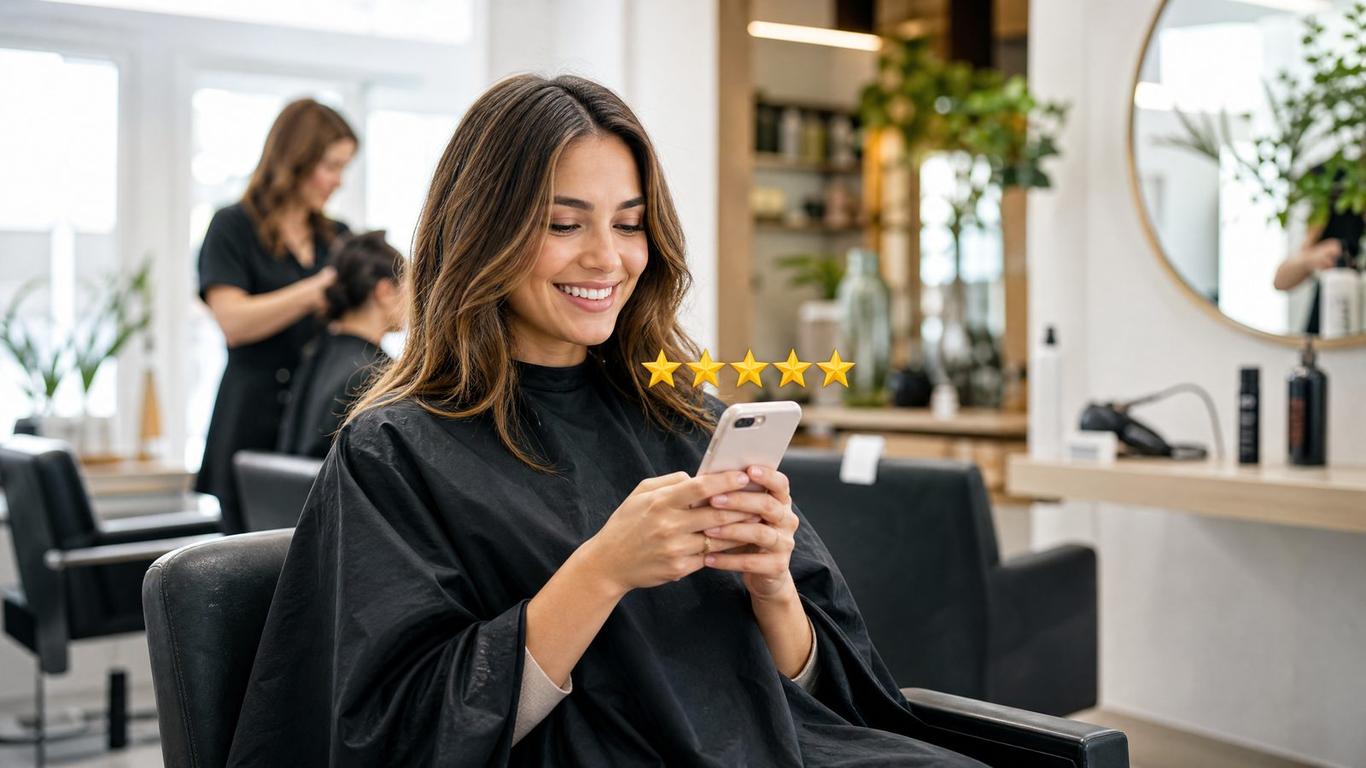
Getting Salon Reviews on Autopilot
You just finished an incredible color correction. The client is thrilled, taking selfies in the mirror, and promising to tell all their friends. You politely ask them to leave a review, they say "absolutely!", and they walk out the door. Then... nothing. Crickets. It happens every single day in salons everywhere.
I don't cut hair. I run ads and build funnels for salons, and I've watched a few hundred of them try to get new clients. When I look at a salon's local search presence, the gap between the amazing service they provide and their actual online reputation is usually massive. Relying on clients to remember to leave a review on their own is a losing game.
To win online, you need to automate salon Google reviews. You need a system that captures that post-appointment excitement and channels it directly onto your Google Business Profile without you having to manually chase anyone down. Let's break down exactly how to put your review generation on autopilot.
Why Manual Review Requests Fail
Most salons handle reviews manually. A stylist might mention it at the chair, or the front desk might ask during checkout. The problem is friction. By the time the client gets to their car, they are already thinking about their next errand.
If you want to understand why reviews matter, consider this: 71% of consumers won't consider a business rated below 3 stars [1]. But it's not just about avoiding bad reviews; it's about building a massive moat of positive social proof. When someone searches for a salon in your area, they aren't just looking at the star rating; they are looking at the volume. A salon with 250 reviews looks significantly more established than one with 15.
If you are serious about your Google Business Profile, you cannot rely on hope. You need a sequence.
The 3-Step Review Automation Sequence
The goal is to automate salon Google reviews by sending the right message at the exact right time. Here is the exact sequence we recommend setting up in your salon's communication software.
Step 1: The "Glow" Text (1 Hour Post-Appointment)
The highest probability of getting a review is immediately after the service when the client is still feeling great about their hair.
Timing: 1 hour after the appointment is completed in your booking software. Channel: SMS (Text Message) The Script:
"Hi [Name]! It was so great seeing you today. We hope you love your new look! If you have a quick second, it would mean the world to us (and your stylist!) if you could leave a quick review here: [Direct Google Review Link]"
Notice what this script does. It’s personal, it reminds them of the positive experience, and it provides the direct link. No asking them to search for your business.
Step 2: The Gentle Nudge (24 Hours Later)
If they didn't click the link in the first text, they probably just got busy. A gentle follow-up email catches them the next day.
Timing: 24 hours after the appointment (only if they haven't clicked the first link, if your software supports this filtering). Channel: Email The Script:
Subject: Following up on your visit!
Hi [Name],
Thank you again for coming in yesterday! We loved having you in the chair.
Small businesses like ours thrive on feedback. If you enjoyed your experience, we'd be incredibly grateful if you could share a few words on Google. It helps other people in [City] find us.
[Leave a Review on Google - Button/Link]
See you at your next appointment!
Step 3: The Internal Feedback Loop (Optional but Recommended)
Some salons worry about automating reviews because they fear negative feedback. If you are concerned about this, you can implement a two-step feedback loop.
Instead of sending them directly to Google, the first link goes to a simple landing page that asks: "How was your experience today?" with a thumbs up and a thumbs down.
- If they click thumbs up, they are immediately redirected to your Google review page.
- If they click thumbs down, they are taken to a private form that emails the salon manager directly, giving you a chance to fix the issue before it becomes a public 1-star review.
Review Automation vs. Review Velocity
It's important to understand that when you automate salon Google reviews, you aren't just trying to hit a certain number and stop. You are trying to build consistent review velocity.
Google's algorithm favors businesses that get fresh reviews regularly. Getting 50 reviews in one week and then zero for the next six months looks unnatural. A steady drip of 3-5 reviews every single week shows Google that your business is consistently active and satisfying customers.
| Strategy | Effort Required | Conversion Rate | Long-Term Result |
|---|---|---|---|
| Asking at the chair | High | Very Low | Inconsistent trickle of reviews |
| Sending manual texts | Medium | Low | Bursts of reviews followed by silence |
| Automated Sequence | Low (after setup) | High | Steady, predictable review velocity |
Quick Reference: Setting Up Your Review Machine
Ready to turn on the machine? Follow this checklist to get your review automation running today.
- Get your direct Google Review link. Go to your Google Business Profile dashboard and find the "Ask for reviews" button to copy your short link.
- Check your booking software. Most modern salon software (like Phorest, Meevo, or Mangomint) has built-in automated follow-ups. If not, look into a third-party tool that integrates with your system.
- Draft your messages. Use the scripts above to create your SMS and email templates. Keep them short and focused entirely on the review request.
- Set the triggers. Configure the SMS to send 1-2 hours after the appointment is marked "checked out." Set the email for 24 hours later.
- Test the flow. Run a test appointment for yourself and ensure the messages fire correctly and the links work on a mobile device.
Don't forget to grab our Review Automation Sequence template below to get the exact copy and setup instructions we use for our clients.
FAQ
How do I get my direct Google review link?
Log into your Google Business Profile, click on the "Ask for reviews" or "Share review form" button on your dashboard. This will generate a short URL (usually starting with g.page/) that takes clients directly to the review pop-up, removing all friction.
Is it against Google's rules to ask for reviews?
No, Google actually encourages businesses to ask their customers for reviews. What is against their terms of service is incentivizing reviews (e.g., offering a discount or free product in exchange for a review) or setting up systems that explicitly prevent negative reviews from being posted ("review gating").
What if a client leaves a bad review?
It happens to every business eventually. The best approach is to respond professionally and promptly. Acknowledge their experience, apologize for falling short, and offer to take the conversation offline to resolve it. A well-handled bad review can actually build trust with future clients who read your response.
How often should I change my automated messages?
Set it and forget it for the most part. However, it's good practice to review your open and click rates every 6 months. If you notice a drop-off, try refreshing the copy or adjusting the timing slightly.
Start Building Your Reputation Today
Stop leaving your online reputation to chance. When you automate salon Google reviews, you build a compounding asset that works for you 24/7, driving more visibility and more trust before a client even clicks on your website.
Grab the Review Automation Sequence — it's the exact template we hand to done-for-you clients to get this set up fast.
Want to see how your reviews fit into your broader marketing strategy? We can help you connect the dots between your salon landing pages, your ads, and your follow-up systems.
References
[1] https://www.brightlocal.com/research/local-consumer-review-survey-2024/
Get the free Review Automation Sequence
We built a free resource that goes with this post — grab it and put today's lesson to work in your salon in about ten minutes.
Get it free