Blog · Meta Ads
Lead Form Ads vs. Landing Pages for Salons
Facebook lead ads vs landing page: which converts better for salons? Discover the pros, cons, and data to help you choose the right strategy for your ads.
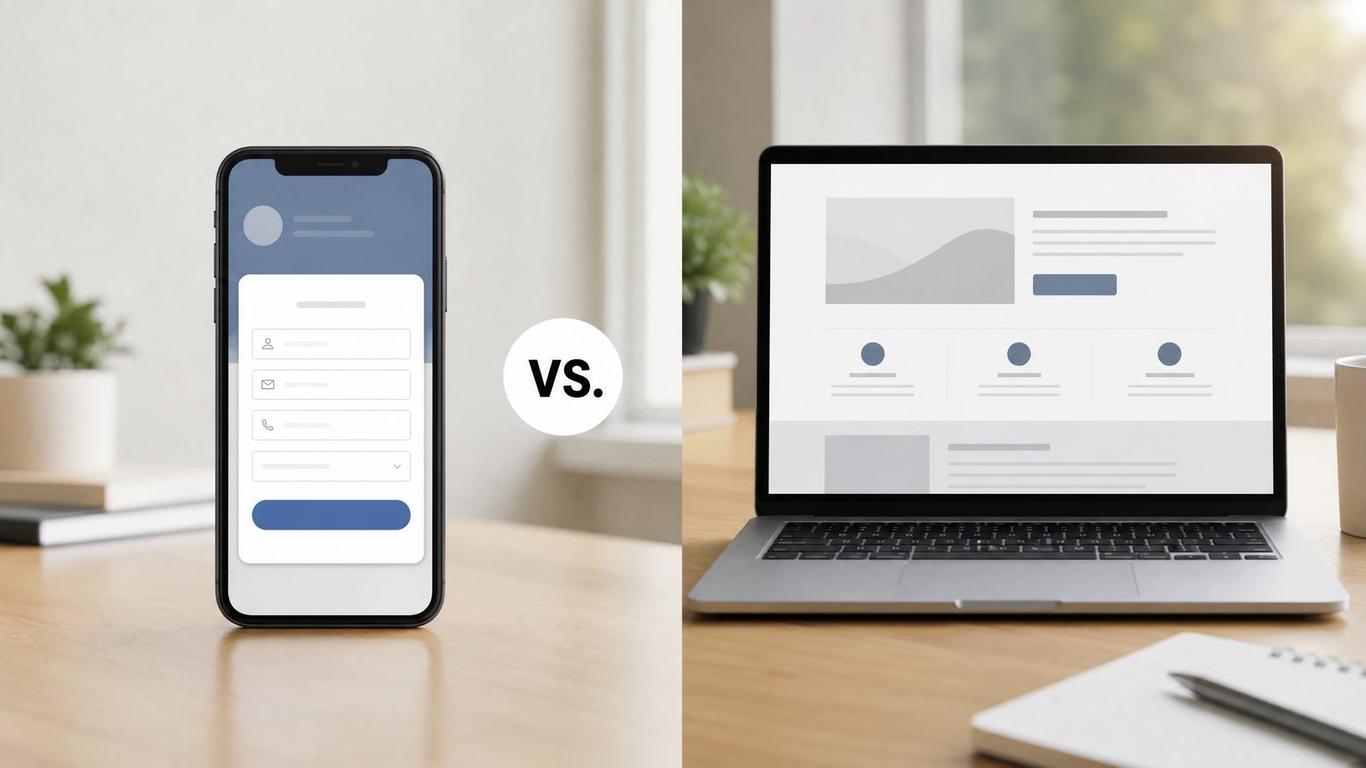
Lead Form Ads vs. Landing Pages for Salons
You are staring at Ads Manager, trying to decide where to send your clicks. One option keeps people on Facebook or Instagram. The other sends them to a page you built. You just want to know which one gets more clients in the chair without burning your budget.
I don't cut hair. I run ads and build funnels for salons, and I've watched a few hundred of them try to get new clients. The debate between Facebook lead forms and custom landing pages is one we have every week. Both work, but they do completely different jobs.
If you pick the wrong one for your offer, you either get zero leads, or you get fifty leads who never answer the phone. Let's break down exactly when to use each, and how to set them up so they actually bring in revenue.
The Core Difference: Friction vs. Intent
When you run an ad, you are trading friction for intent.
A Facebook Lead Form (or Instagram Lead Form) pops up right inside the app. It pre-fills the user's name, email, and phone number using the data Meta already has. It takes about three seconds to submit. Because it is so easy, you get a lot of leads, and they are very cheap. But because it is so easy, many of those leads will forget they even filled it out by the time you call them.
A Landing Page forces the user to wait for a page to load, read your copy, and manually type in their information. This creates friction. You will get fewer leads, and they will cost more. However, the median landing page conversion rate is 6.6% across industries [1], and the people who do fill it out are much more likely to actually book an appointment.
When to Use Facebook Lead Ads
Lead forms are built for speed and volume. You should use them when:
- You have a low-barrier offer. If you are giving away a free consultation, a steep discount for first-time clients, or a simple digital asset, you don't need a lot of convincing.
- Your follow-up is lightning fast. Responding to a lead within 5 minutes makes you 21x more likely to qualify them vs. waiting 30+ minutes [2]. If you have an automated text message going out the second the form is submitted, lead ads can work incredibly well.
- Your mobile website speed is terrible. If your site takes ten seconds to load, don't send ad traffic there. Keep them on Meta. (If this is you, check out our guide on salon mobile website speed.)
When to Use a Landing Page
Landing pages are built for intent and education. You should use them when:
- You are selling a high-ticket service. If you are promoting a $1,500 hair extension package, a three-second form isn't enough. You need space to show before-and-after photos, explain the process, and feature testimonials.
- You want to qualify leads. If you only want to talk to people who are ready to buy, a landing page with a longer form will filter out the window shoppers.
- You want to track everything. With a landing page, you can install your Meta Pixel, track how far people scroll, and retarget the ones who didn't convert. (We cover this in detail in our pixel and conversion tracking guide.)
The Numbers: A Worked Example
Let's look at a real-world scenario. You have a $500 ad budget to promote a new balayage package.
Here is how the math typically plays out:
| Metric | Facebook Lead Form | Custom Landing Page |
|---|---|---|
| Ad Spend | $500 | $500 |
| Cost Per Click | $1.00 | $1.50 |
| Clicks | 500 | 333 |
| Conversion Rate | 15% | 6.6% |
| Total Leads | 75 | 22 |
| Cost Per Lead | $6.66 | $22.72 |
| Contact Rate | 20% | 60% |
| Appointments Booked | 15 | 13 |
| Cost Per Booking | $33.33 | $38.46 |
On paper, the Lead Form looks like the clear winner. You got 75 leads instead of 22! But look at the contact rate. Because the lead form is so easy to fill out, 80% of those people never answer your texts or calls.
With the landing page, you got fewer leads, but 60% of them actually engaged with you. The final cost per booking is very similar.
The real difference? Your front desk had to chase down 75 people with the lead form, compared to just 22 with the landing page. If your team is already busy, the landing page is the better choice. If you have an aggressive follow-up system and want maximum volume, the lead form wins.
How to Fix the "Junk Lead" Problem with Meta Forms
If you decide to use Facebook Lead Forms, you will inevitably run into the "junk lead" problem. People will say, "I didn't fill that out," or the phone numbers will be disconnected.
Here is the exact process to fix this:
- Turn off auto-fill for the phone number. Force the user to manually type in their phone number. This single change will cut your junk leads in half.
- Add one custom qualifying question. Ask something simple like, "When are you looking to come in?" with multiple-choice answers (This week, Next week, Just browsing). This forces them to stop and think before hitting submit.
- Use "Higher Intent" mode. In the Meta form settings, switch from "More Volume" to "Higher Intent." This adds a review screen where the user has to slide to submit, preventing accidental clicks.
- Automate the first text. Do not rely on your front desk to manually check for leads. Connect your form to a CRM so a text goes out instantly. Remember, a first-minute response lifts conversions up to 391% [2].
Quick Reference: Lead Form vs. Landing Page Checklist
Use this checklist to decide which path to take for your next campaign.
Choose a Facebook Lead Form if:
- Your offer is simple and low-risk (e.g., $20 off first haircut).
- You have automated SMS follow-up in place.
- You want the lowest possible cost per lead.
- Your current website is slow or hard to navigate on mobile.
Choose a Custom Landing Page if:
- Your offer is high-ticket or complex (e.g., extensions, color correction).
- You need to show extensive social proof or before/after galleries.
- You want to filter out low-intent window shoppers.
- You want to retarget visitors who didn't convert. (Learn more about salon retargeting ads.)
FAQ
Why are my Facebook lead ads getting fake numbers?
Meta auto-fills the form with the phone number the user signed up with. Many people haven't updated that number in years. To fix this, change the phone number field from "auto-fill" to a "short answer" custom question so they have to type it in manually.
What is a good cost per lead for a salon?
This depends entirely on your service. A lead for a $30 men's haircut might cost $5, while a lead for a $1,500 extension package might cost $40. Focus on your cost per booked appointment, not your cost per lead.
Do landing pages work on mobile?
They must. The vast majority of your ad traffic will be on a mobile device. If your landing page is not optimized for a phone screen, you are wasting your ad spend. Always design for mobile first.
Should I use both lead forms and landing pages?
You can test both, but do not run them in the same ad set. Create one campaign for lead forms and a separate campaign for your landing page. Run them side-by-side with the same budget and see which one produces a lower cost per booked appointment. (If you aren't sure how to structure this, read our guide on campaign structure mistakes.)
Next Steps
Want us to look at your numbers? Book a free 20-minute marketing audit and we'll show you exactly where the leaks are.
If you want to map out your own comparison, grab the Lead Form vs. Page Comparison — it's the exact template we hand to done-for-you clients to help them choose the right path for their campaigns.
References
[1] Unbounce Q4 2024 benchmark, 41,000 pages / 464M visits. [2] Chili Piper speed-to-lead research.
Want this handled for you?
Ads, a booking-ready website, and AI follow-up for your salon — $297/mo, flat. Book a free 20-minute marketing audit and we'll walk through your exact numbers.
Book a free audit