Blog · AI for Salon Marketing
Turning One Salon Video Into a Month of Content
Learn how to repurpose salon video content using AI. Turn one behind-the-scenes video into a month of social posts, emails, and ads.
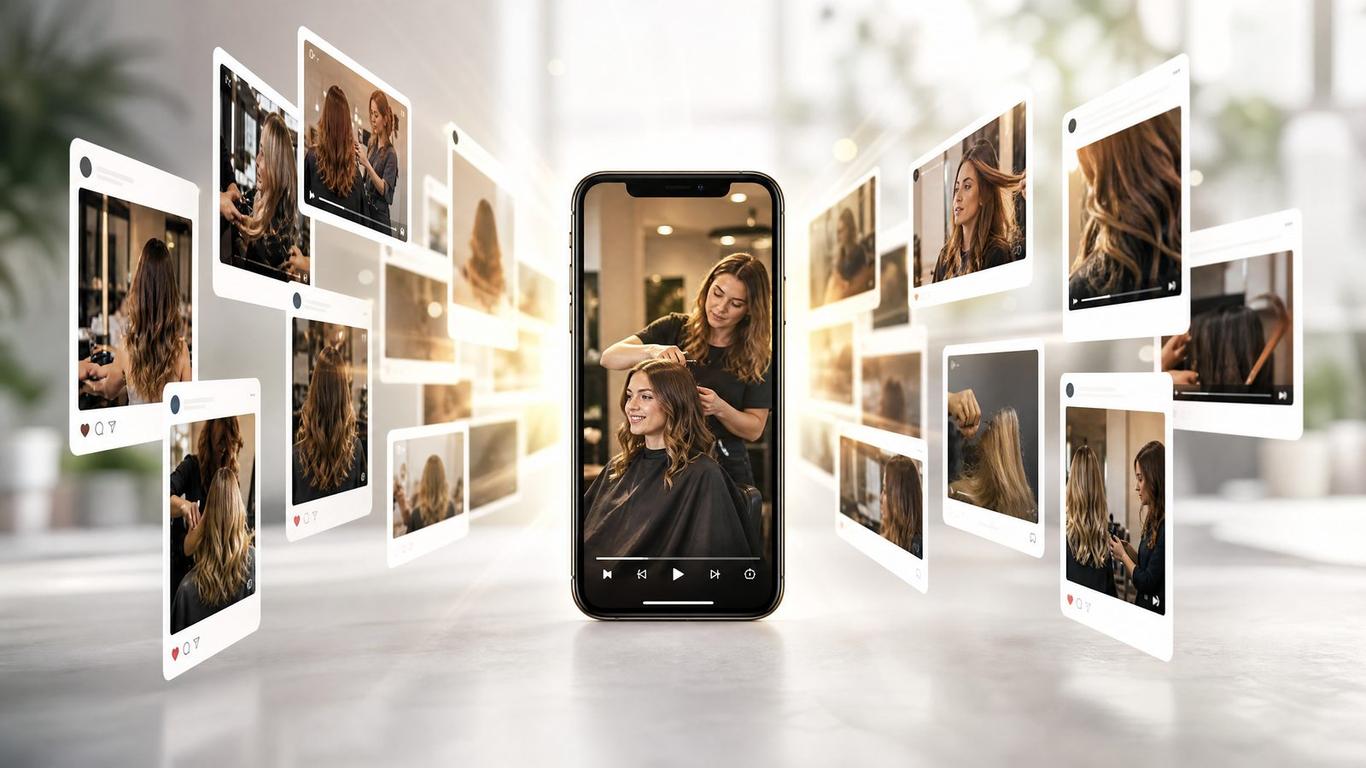
Turning One Salon Video Into a Month of Content
You just filmed an incredible color transformation. It took four hours, the client looks amazing, and you posted the final reveal on Instagram. It got 80 likes, and then... nothing. That piece of content is dead, and you're back to wondering what to post tomorrow.
I don't cut hair. I run ads and build funnels for salons, and I've watched a few hundred of them try to get new clients. The biggest bottleneck isn't talent; it's content exhaustion. You're treating every post as a one-off event instead of a raw material.
With the right AI tools, that single video isn't just one Instagram Reel. It's the foundation for an entire month of marketing. You don't need to film more; you need to repurpose salon video content you already have. Let me show you exactly how we take one hero video and turn it into ads, emails, and social posts without sounding like a robot.
The Repurposing Workflow
When you repurpose salon video content, you're not just chopping it up randomly. You're extracting different angles from the same piece of media. Here is the exact breakdown of what one 60-second video can become:
| Content Type | Output from 1 Video | Platform | Goal |
|---|---|---|---|
| Short-Form Video | 3-4 clips (10-15s) | Reels/TikTok/Shorts | Reach & Engagement |
| Ad Creative | 2 variations | Meta Ads | Direct Bookings |
| Email Broadcast | 1 full email | Your List | Reactivation |
| Text Posts | 2-3 captions | Facebook/Instagram | Nurture & Education |
If you do this for just four videos a month, you have a completely full content calendar.
How to Use AI to Repurpose Salon Video Content
You don't need to be a video editor or a copywriter. You just need to know how to prompt an AI tool. Here is the exact process we use.
Step 1: Transcribe the Video
If your video has speaking (explaining a technique, answering a client question), dump it into an AI transcription tool. If it's just visual (a balayage process), write down a quick 3-bullet summary of what's happening.
Step 2: Generate the Social Captions
Take that transcript or summary and feed it to ChatGPT or Claude. Don't just ask it to "write a caption." Give it a specific framework.
Copy-Paste AI Prompt for Social Captions: "I am a salon owner. I just filmed a video showing [insert technique/transformation]. Here is the rough transcript/summary: [insert text].
Please write 3 different Instagram captions based on this video:
- An educational caption explaining why this technique is better for hair health.
- A story-driven caption about the client's problem before they came in.
- A short, punchy caption focused purely on the visual result.
Keep the tone direct, professional, and conversational. Do not use words like 'delve', 'unlock', or 'game-changer'. Keep sentences short."
Step 3: Write the Email Broadcast
That same video can revive your dead email list.
Copy-Paste AI Prompt for Email Broadcasts: "Take the same video concept and write a 150-word email to my salon's client list. The goal of the email is to show off this specific transformation and invite them to book a consultation if they want a similar result. Make the subject line casual, like something a friend would send. Include a clear call-to-action to reply to the email or click to book."
Step 4: Extract Ad Angles
If you're running ads, you need different hooks for the same visual.
Copy-Paste AI Prompt for Ad Hooks: "I am going to run this video as a Facebook ad to local women. Give me 3 different text hooks (the first line of the ad copy) that target different pain points. For example: one targeting brassy blonde hair, one targeting damaged hair, and one targeting people who want a low-maintenance look."
Quick Reference: The Repurposing Checklist
Before you film your next video, keep this checklist handy to ensure you capture what you need to repurpose it later.
- Get the B-Roll: Film 5-10 seconds of the setup, the mixing, or the consultation. (Read our guide on filming salon ad video on a phone for the exact shots you need).
- Capture the Before: Always get a clear "before" shot in the same lighting as the "after."
- Speak to Camera (Optional): Explain what you're doing for 30 seconds. This gives the AI raw text to work with.
- Run the Prompts: Feed the raw material into the AI prompts above.
- Schedule It: Don't post it all at once. Spread the 7-10 pieces of content over three weeks.
FAQ
Can AI edit the actual video for me?
AI tools can automatically chop long videos into shorter clips and add captions, but for high-quality salon visuals, you still want to manually select the best aesthetic moments. Use AI for the copy and structure, and simple editing apps for the visual cuts.
Won't my audience get bored seeing the same video?
No. The algorithm only shows your post to a fraction of your audience. Plus, by changing the caption (educational vs. story-driven), you are appealing to different psychological triggers. Meta actually defines creative fatigue as an audience seeing the exact same creative too many times [1], not the same raw footage used in different ways.
What if my videos don't have speaking in them?
If it's purely visual, you have to provide the context to the AI. Tell the AI what the service is, what the client's hair history was, and what products you used. The AI will turn those facts into compelling copy.
How much time does this actually save?
Instead of spending 30 minutes every day trying to think of a new post, you spend 45 minutes once a week running your hero video through this workflow. You get a week's worth of content in less than an hour.
Stop Starting from Scratch
You are sitting on a goldmine of content on your camera roll right now. Stop letting it die after one post. If you want the exact prompts we use to turn a single video into ads, emails, and social posts, grab the Repurposing Prompt Pack — it's the exact template we hand to done-for-you clients.
And if you want to see how we structure our campaigns so that this repurposed content actually turns into bookings, check out our breakdown of campaign structure mistakes.
References
[1] Meta Business Help Center: https://www.facebook.com/business/help/1346816142327858
Get the free Repurposing Prompt Pack
We built a free resource that goes with this post — grab it and put today's lesson to work in your salon in about ten minutes.
Get it free