Blog · Follow-Up & Automation
Where Salon Automation Should Hand Off to a Human
Discover salon automation best practices. Learn exactly when software should stop messaging and a real human should take over to secure more bookings.
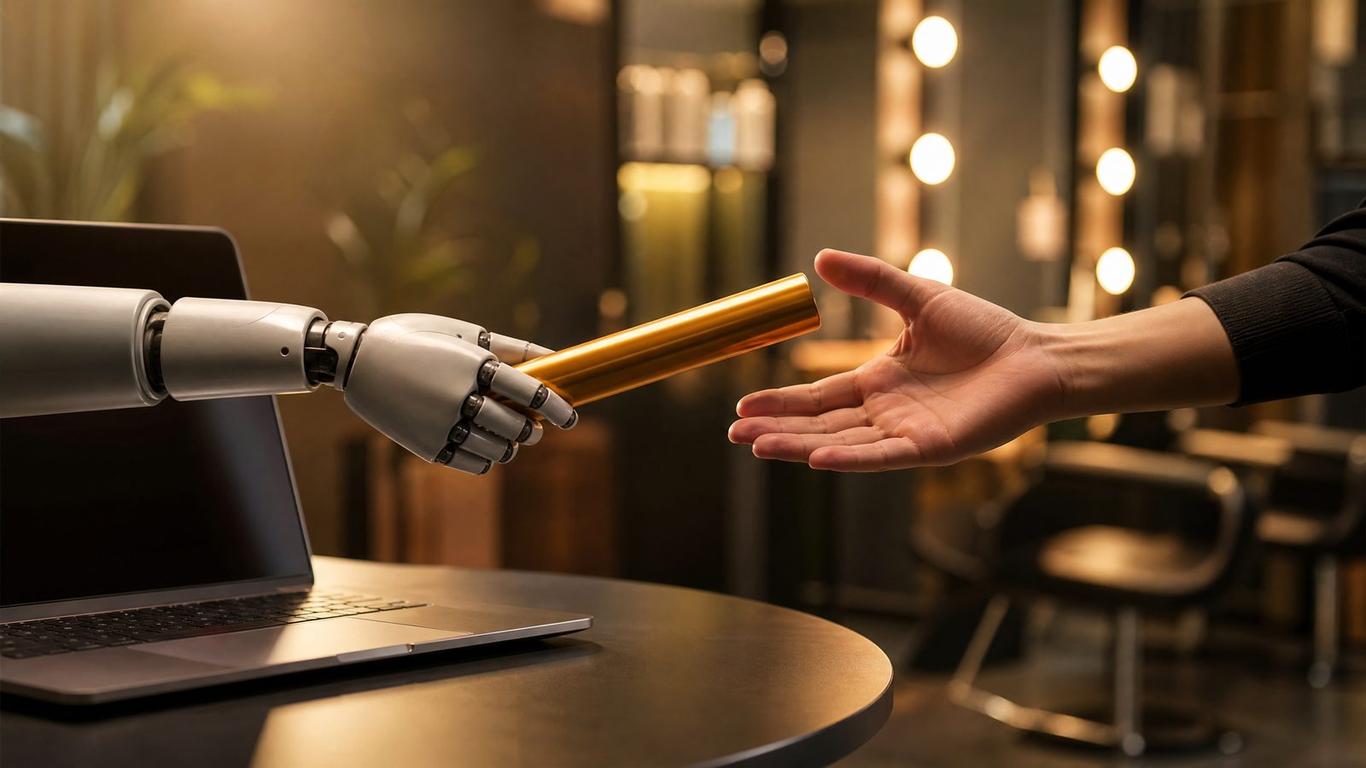
Where Salon Automation Should Hand Off to a Human
You set up an automated text sequence. A new lead opts in for your color special, and your software immediately fires off a greeting, a booking link, and a reminder. It feels like magic—until the lead replies with a highly specific question about their box-dyed hair, and your bot sends back another generic link to your calendar. The lead ghosts.
I don't cut hair. I run ads and build funnels for salons, and I've watched a few hundred of them try to get new clients. The biggest mistake I see isn't failing to use automation; it's using it to avoid talking to people altogether. Automation is brilliant for speed and persistence, but it lacks empathy and nuance.
The goal of your marketing software isn't to replace your front desk. It is to do the heavy lifting of initial contact and follow-up so your human staff only spends time talking to people who are actually ready to book. Here are the salon automation best practices for knowing exactly when the robot's job ends and the human's job begins.
The First Five Minutes Belong to the Machine
When a new lead submits their information on your landing page, the clock starts ticking. You do not have time to finish the foil you are working on or wait until the front desk gets back from lunch.
Responding to a lead within five minutes makes you 21x more likely to qualify them compared to waiting 30 minutes or more [1]. If you wait for a human to see the notification, log into the system, and type out a message, you will miss that window almost every time. The average business takes over 40 hours to respond to an inquiry [1].
This is where automation shines. The initial touchpoint must be immediate, and it must come from your software.
The Automated Handshake Script
Your first automated text should sound like a human wrote it, but it should not pretend to be a live conversation if it isn't.
"Hi [Name], this is the front desk at [Salon Name]! We saw you claimed our new client color special. Are you looking to get in sometime this week, or next week? - Sarah (Automated Assistant)"
If they don't reply, your automation should handle the follow-up. A sequence of three to five messages over the next 48 hours is standard. Let the machine do the annoying work of chasing down ghosted leads.
When to Pull the Plug on Automation
Automation is a blunt instrument. It works perfectly when the lead follows the script—they click the link, they pick a time, they pay the deposit. But the moment the lead steps off the script, the automation must stop, and a human must take over.
Here is a clear framework for when to intervene.
The Handoff Triggers
| Trigger Event | What the Automation Does | What the Human Does |
|---|---|---|
| The lead asks a specific technical question. ("Can you fix a bad balayage from another salon?") | Pauses the sequence and alerts the team. | Reads the context, asks for a photo of their current hair, and gives a customized recommendation. |
| The lead objects to the price or deposit. ("Why do I have to pay $50 right now?") | Pauses the sequence and alerts the team. | Explains the deposit policy politely and offers reassurance about the cancellation terms. |
| The lead tries to book a time outside normal hours. ("Can someone do my hair at 7 AM on Sunday?") | Pauses the sequence and alerts the team. | Explains the standard hours and offers the closest available alternative, or coordinates a VIP appointment if applicable. |
| The lead expresses frustration. ("Your booking link isn't working.") | Pauses the sequence immediately and flags as high priority. | Apologizes, asks for details on the error, and manually books the appointment for them. |
If you let an automated sequence continue firing after a lead has asked a real question, you are telling them you do not care about their specific needs.
The Danger of Over-Automating Consultations
One of the worst salon automation best practices I see is trying to automate the entire consultation process.
Yes, you can use a quiz funnel to gather basic information—hair length, current color, desired result. That is smart marketing. But you cannot automate the nuance of managing a client's expectations.
When a client wants to go from box black to platinum blonde in one session, an automated form cannot look them in the eye and explain why that will melt their hair. A human needs to step in, review the intake form, and have a real conversation.
Use automation to collect the data. Use humans to interpret it and close the sale.
Quick Reference: The Automation Handoff Checklist
To ensure your system is helping rather than hurting, audit your setup against this checklist:
- Initial lead response fires within 5 minutes of opt-in.
- Automated messages pause immediately if the lead replies with anything other than a keyword (like "YES").
- Front desk staff receives a push notification or text alert when a human reply is needed.
- Staff has a designated time block (e.g., 15 minutes every two hours) to clear the manual reply inbox.
- The software tracks which appointments were booked via automation vs. manual intervention to measure effectiveness.
Grab the Handoff SOP — it's the exact checklist we hand to done-for-you clients to make sure no lead falls through the cracks.
FAQ
How much of the booking process should a salon automate?
You should automate the initial outreach, the follow-up reminders, and the delivery of the booking link. You should manually handle any specific questions, pushback on policies, or complex consultation requests.
Does text automation annoy salon clients?
It only annoys them if it is irrelevant or if it ignores their replies. A prompt, helpful automated text that delivers the special offer they just requested is welcome. A generic automated text sent three days after they already asked a specific question is annoying.
Should my automated messages pretend to be a real person?
No. It is better to be transparent. Use a friendly tone, but consider signing off with something like "Front Desk Assistant" or explicitly stating it is an automated message. People appreciate honesty more than they appreciate being tricked by a bot.
What happens if a lead replies to an automated text after hours?
Your system should pause the sequence and hold the message in a unified inbox. Your human staff can then reply first thing the next morning. You can also set up an after-hours auto-responder to set expectations about when they will hear back.
Stop Losing Leads to Bad Bot Behavior
Automation is a tool, not an employee. It is incredibly effective at speed and consistency, but it will cost you money if you let it handle complex human interactions. Map out your sequences, define your handoff triggers, and train your staff to jump in exactly when they are needed.
If you are tired of wondering why your campaigns are generating clicks but no bookings, it might be a handoff issue. Grab the Handoff SOP — it's the exact checklist we hand to done-for-you clients.
References
[1] https://www.chilipiper.com/article/speed-to-lead-statistics
Get the free Handoff SOP
We built a free resource that goes with this post — grab it and put today's lesson to work in your salon in about ten minutes.
Get it free