Blog · AI for Salon Marketing
Generating Salon Ad Creative With AI
Learn how to generate salon ad creative with AI. I'll show you exactly how to write prompts that produce ad creative that actually books appointments.
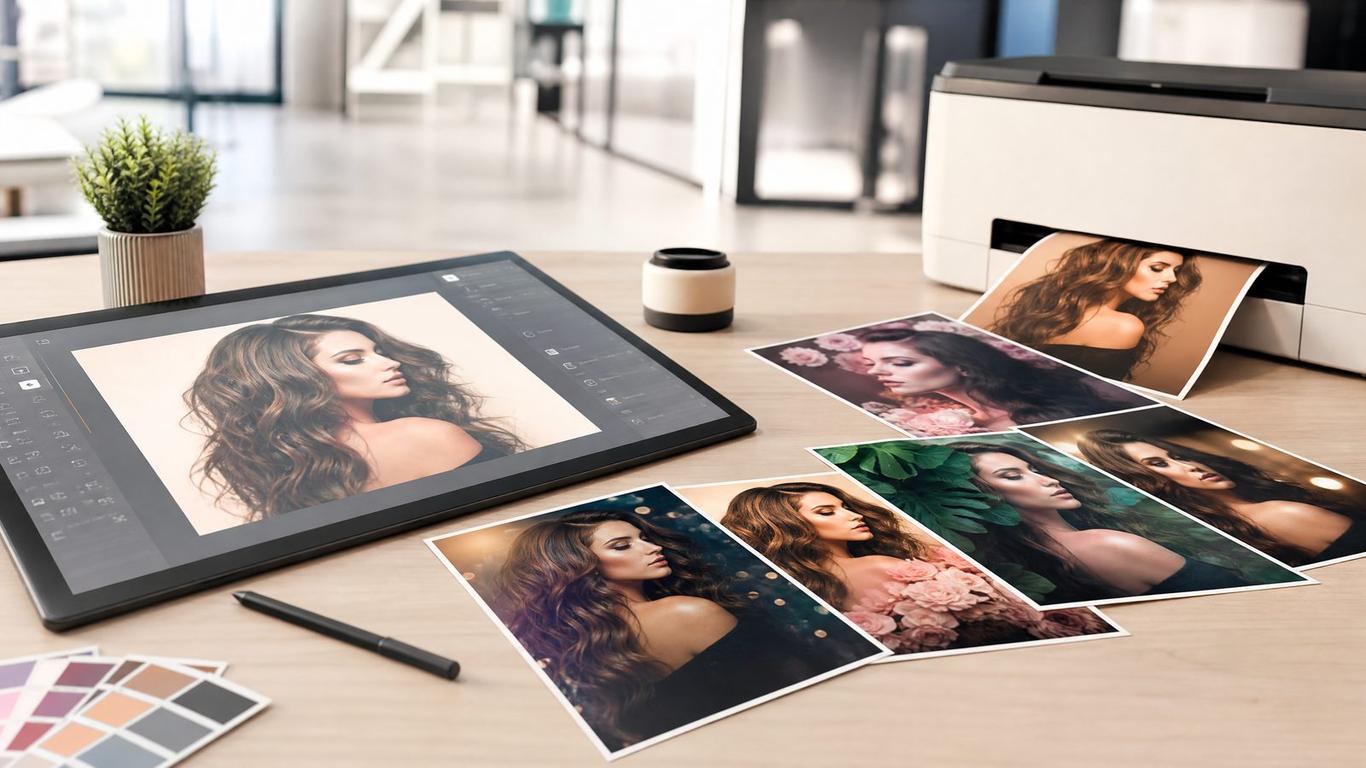
Generating Salon Ad Creative With AI
You know the feeling. You need new ads, but your stylists haven't taken any good photos this week, the lighting in the salon is terrible, and you don't have the budget to hire a professional photographer. You stare at the Ads Manager screen, knowing that running the same tired images will just burn through your budget.
I don't cut hair. I run ads and build funnels for salons, and I've watched a few hundred of them try to get new clients. The biggest bottleneck to scaling a campaign is almost always creative. When an ad works, it eventually fatigues. Meta defines creative fatigue as an audience seeing the same creative too many times, causing engagement to drop and costs to rise [1]. You need a constant stream of new angles, images, and videos.
That's where AI ad creative for salons comes in. I'm not talking about generic, cartoonish images of women with impossibly perfect hair. I'm talking about using AI to generate realistic, scroll-stopping creative that actually gets people to click and book. In this post, I'll show you the exact prompts and processes we use to generate high-performing ad creative without touching a camera.
Why AI Ad Creative Works for Salons
Most salon owners think they need perfectly polished, high-end photography to run successful ads. The truth is, on platforms like Facebook and Instagram, highly produced images often look like ads, and people scroll right past them.
What works better? Authenticity. Or at least, the appearance of it. AI allows you to generate images that look like they were snapped on an iPhone in a real salon, but with perfect lighting and composition.
Here is a comparison of traditional vs. AI-generated ad creative for salons:
| Feature | Traditional Photography | AI-Generated Creative |
|---|---|---|
| Cost | High (Photographer, models, time) | Low (Software subscription) |
| Speed | Slow (Scheduling, shooting, editing) | Fast (Minutes to generate) |
| Volume | Limited by shoot time | Unlimited variations |
| Control | Subject to reality (lighting, models) | Total control over elements |
| Fatigue | High risk if not shooting often | Low risk due to easy variation |
The "Realistic Salon" Prompt Formula
The biggest mistake I see when people try to generate AI ad creative for salons is that they ask for "a beautiful woman in a salon." The AI gives them a plastic-looking model in a futuristic spa.
To get usable images, you need to be highly specific about the setting, the lighting, and the "vibe" of the photo. You want it to look like a stylist took it on their phone to show off their work.
Copy-Paste AI Prompt for Salon Images:
"A realistic, unedited iPhone photo taken inside a modern hair salon. The lighting is bright and natural, coming from large windows. In the foreground, a stylist is finishing a balayage treatment on a client with medium-length brown hair. The focus is on the back of the client's head, showing the dimension of the color. The background is slightly blurred, showing a clean, busy salon environment with mirrors and styling stations. No text in the image. Photorealistic, candid, Instagram-style."
When you use a prompt like this, you get an image that blends seamlessly into the feed. It doesn't look like an ad; it looks like a post from a local business.
How to Iterate on Your Creative
Once you have a base image that works, you need to create variations. If you just run one image, it will fatigue quickly. You need to test different angles, different hair types, and different environments.
Here is a simple process for iterating on your AI ad creative:
- Start with the base prompt: Use the formula above to generate a strong initial image.
- Change the subject: Adjust the prompt to feature a different hair color, length, or style (e.g., "blonde highlights," "short textured bob").
- Change the angle: Ask for a different perspective (e.g., "shot from the side," "close-up on the ends of the hair").
- Change the environment: Modify the background details (e.g., "dark and moody salon," "bright minimalist studio").
- Generate variations: Produce 5-10 variations of the prompt to give you a robust testing pool.
By systematically changing one variable at a time, you can quickly build a library of ad creative that you can rotate through your campaigns to combat fatigue.
Quick Reference: AI Creative Checklist
Before you upload any AI-generated image to Ads Manager, run it through this checklist:
- Does it look real? If it looks like a video game character, generate a new one.
- Is the lighting natural? Avoid overly dramatic or artificial lighting.
- Is the focus clear? The viewer should immediately know what the ad is about (the hair).
- Are the details accurate? Check for weird AI artifacts (extra fingers, distorted mirrors).
- Does it match your brand? The image should feel like it belongs in your actual salon.
FAQ
Can people tell if a salon ad is AI-generated?
Sometimes, yes. But if you use the right prompts and focus on realistic, candid-style images, most people scrolling quickly through their feed won't notice or care. The goal isn't to trick them; it's to stop the scroll.
What AI tools are best for salon images?
Midjourney is currently the industry standard for photorealism, but tools like DALL-E 3 (built into ChatGPT) and Stable Diffusion are also excellent and often easier for beginners to use.
Should I use AI for all my salon ads?
No. AI is a tool to supplement your real photos, not replace them entirely. You should still use real photos of your team, your space, and your actual work whenever possible to build trust. AI is best used for scaling creative and testing new angles quickly.
Will AI images get my ad account banned?
Meta and other platforms are increasingly adding labels to AI-generated content, but using AI images for local business ads does not violate their policies as long as the content itself is compliant (e.g., not misleading or inappropriate).
Grab the Creative Prompt Pack
Want the exact prompts we use to generate high-converting ads for our clients? Grab the Creative Prompt Pack — it's the exact template we hand to done-for-you clients. It includes 20 ready-to-use prompts for different services, styles, and angles.
[Download the Creative Prompt Pack here]
And if you want to see how these creatives fit into a broader strategy, check out our posts on The $10/Day Ad Test That Finds Your Winning Offer and 7 Salon Ad Creatives That Actually Book Appointments.
References
[1] Meta Business Help Center. "About ad fatigue." https://www.facebook.com/business/help/1346816142327858
Get the free Creative Prompt Pack
We built a free resource that goes with this post — grab it and put today's lesson to work in your salon in about ten minutes.
Get it free